4 min

How to publish your first submission

This tutorial walks through the full publishing flow: title, link type, category, server, size and final review.

How to publish your first submission

Learn how to create a clean submission, choose category and server, and write a description that converts.
1. Open the form

From the homepage or your panel click "Publish submission". If you are not logged in yet, create your account first.

2. Define the content type

Use direct URL when you want to send the visitor to an external page. Use Embed when the resource needs a player or iframe.

3. Fill in the metadata

Choose a real category, set the server and write a short but specific description. AI can help you generate a clearer title and an SEO-ready meta description.

4. Review before publishing

Make sure the final link works, the name is not duplicated and the content does not violate site rules.

Quick start

Start in three steps

  1. Create your account and complete your profile.
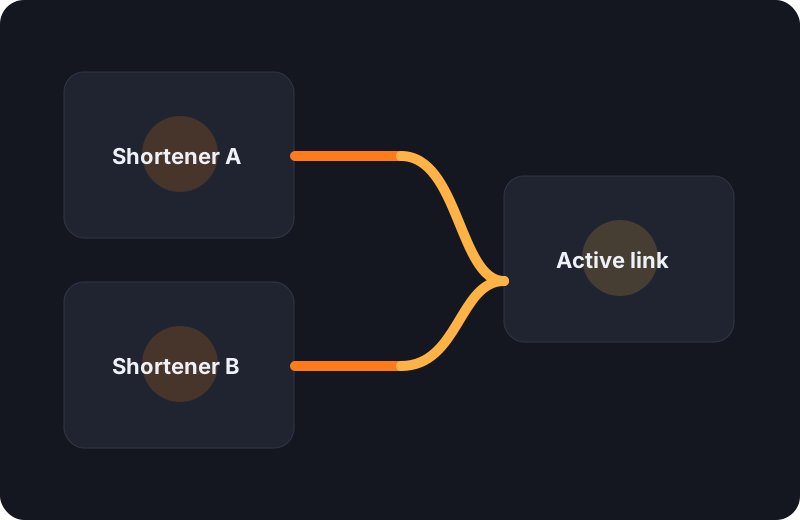
  2. Connect one or more monetized shorteners.
  3. Publish submissions and use AI to improve titles, descriptions and translations.