5 min
How to connect multiple shorteners and monetize
The site lets each user manage multiple shorteners. This helps you test services, organize campaigns and monetize more efficiently.
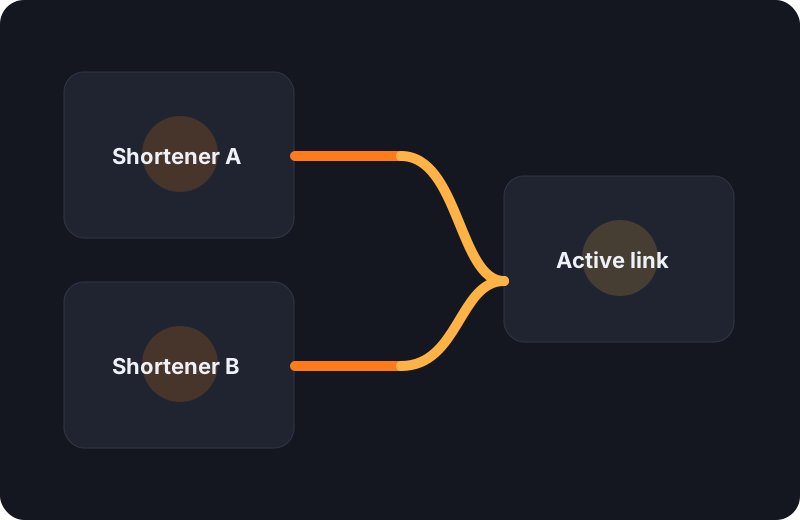
Add multiple shorteners, keep one active by default and pick a different one for each submission.
1. Go to your user panel
Inside the monetization block you will find the active services list and your saved configurations.
2. Add your code or ID
Choose the service, paste the identifier provided by the platform and optionally assign an internal label such as Primary or Backup.
3. Activate the default service
You can keep multiple services configured, but one should remain active as the fast option during publishing.
4. Pick a shortener per submission
When you publish a link you can use the active one, switch to another configured service or publish without monetization.